Who has the admin password? IT basics every business should own
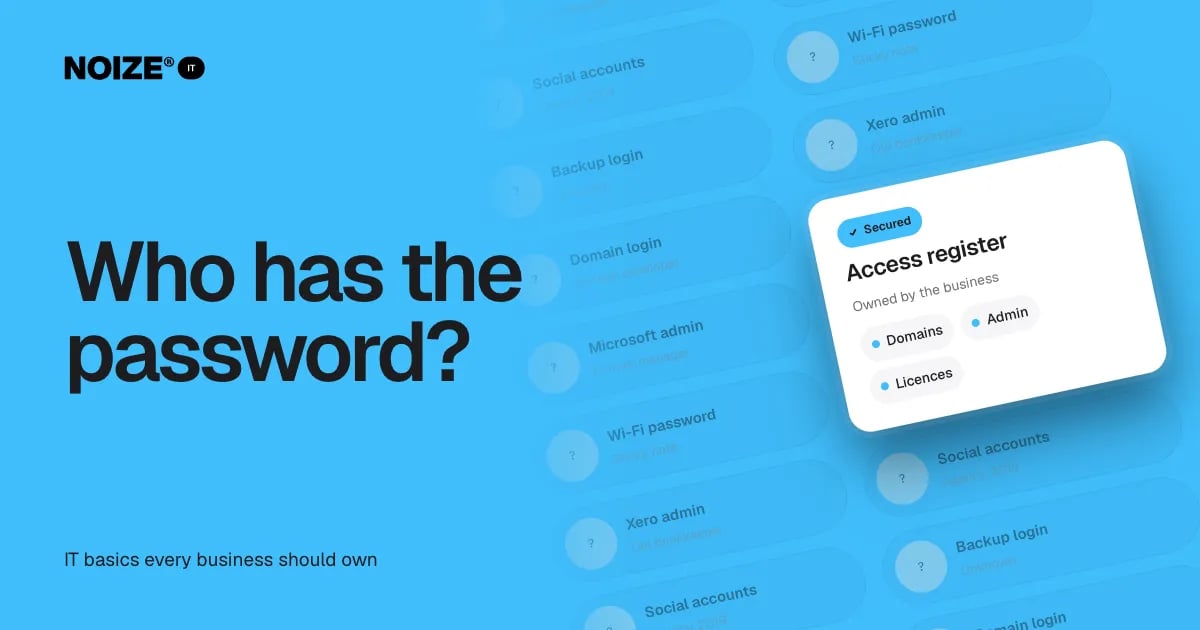
The domain login sits with a web developer who moved on three years ago. The Microsoft admin account belongs to a former manager. The Wi-Fi password is on a sticky note under the reception desk. The Xero admin is the old bookkeeper. The social media accounts were set up by an agency in 2019. Nobody is sure where the backup login lives.
Nobody knows who has the admin password. It sounds like a small administrative gap. In practice, it is one of the most serious risks a business carries, because it means the business doesn't fully control its own systems.
The short version
- Every business should own and control its critical accounts: domain, email and productivity platform, website hosting, accounting software, social media, banking portals and backups.
- Keep an access register, use a business password manager, turn on multi-factor login and have a clear process for when people join and leave.
- Owning your IT means owning your business.
The accounts every owner should hold
01Domain name
The registrar account that controls your web address and email routing. Lose this and you can lose both.
02Email and productivity platform
Microsoft 365 or Google Workspace admin access, which controls every staff account.
03Website hosting and platform
Admin access to the website and the hosting account.
04Accounting and payroll
Admin access to Xero or similar, separate from any external bookkeeper's login.
05Social media and advertising
Business ownership of social profiles and ad accounts, not individual or agency ownership.
06Backups and devices
Access to backup systems and device management tools.
07Key suppliers and portals
Banking, payment gateways, telephone systems and important supplier portals.
Why access goes missing
Accounts are often set up by whoever was available at the time: a developer, an agency, an employee using their personal email. Years later, those people have moved on, and the business discovers it can't change its own website, reset an account or prove it owns its social profiles.
> I've invested in businesses where a simple domain transfer took weeks because nobody could access the original account. The website and email were at risk the whole time. One shared access register would have prevented it entirely.
How to take control
- Build an access register. List every critical account, who has admin access and the recovery details. Keep it secure.
- Use business email for every account. Never personal addresses.
- Use a password manager. Shared securely, with access based on role.
- Turn on multi-factor login. Especially for admin accounts.
- Hold at least two admins for critical systems. So one person leaving doesn't lock the business out.
- Run joiner and leaver processes. Access granted on day one and removed on the last day.
- Review quarterly. Check the register, remove old access and confirm recovery details.
“Couldn't recommend these guys enough.”
An illustrative example
Imagine a growing retailer that wants to update its website and discovers the hosting account belongs to a developer who no longer answers emails. Recovering it takes weeks. Afterwards, NOIZE IT builds an access register, moves every account to business ownership, sets up a password manager and multi-factor login, and adds access checks to the joiner and leaver process. The next staff change takes minutes, not weeks.
Mistakes to avoid
- Don't store passwords in spreadsheets or documents.
- Don't let a single person be the only admin for critical systems.
- Don't let suppliers own accounts that belong to you.
Where IT and Legal connect
Owning your accounts also supports your legal and privacy obligations, because you can control who accesses customer data. NOIZE IT manages the access, and NOIZE Legal can advise on supplier agreements that make ownership clear. See it.noize.com.au.
What we handle, and when specialists step in
For this topic, the day-to-day tasks sit with NOIZE IT: creating a Google Business Profile, managing user accounts and configuring devices. We pair that work with advice on who has the admin password? it basics every business should own and what it means for the business.
Anything that calls for specialist expertise or accreditation goes to one of our an appropriately qualified professional. Who does what is confirmed up front, so there are no surprises.
Questions to ask about your accounts
- Which accounts would stop the business if we lost access?
- Who holds admin access to each?
- Are any registered to personal email addresses?
- Is multi-factor login on for all of them?
- What happens to access when someone leaves?
- Where are recovery details kept?
These questions take an hour to answer and can prevent weeks of disruption.
What good looks like
Every critical account is registered to the business, with at least two admins. An access register records who has access and how to recover each account. Passwords live in a business password manager. Multi-factor login is on for admin accounts. New starters get access on day one and leavers lose it on their last day. Access is reviewed quarterly.
Where to start this week
Write down your seven critical accounts and, next to each, who holds admin access. If any answer is a former employee, a supplier or "not sure", that account is the place to start.
How IT connects to the rest of NOIZE
Here is how the other departments support this work. NOIZE Talent tells IT when people join or leave, so access is ready on day one and removed on the last. NOIZE Legal works with IT on privacy policies and data protection, with an appropriately qualified professional where the law requires it. NOIZE Books and Accounting rely on secure, backed-up financial systems. When IT is part of the same group as the departments it supports, problems are prevented rather than discovered, and nothing falls between build and support. NOIZE Digital builds websites, integrations and automations, then hands them to IT to host, secure and support.
Related reading
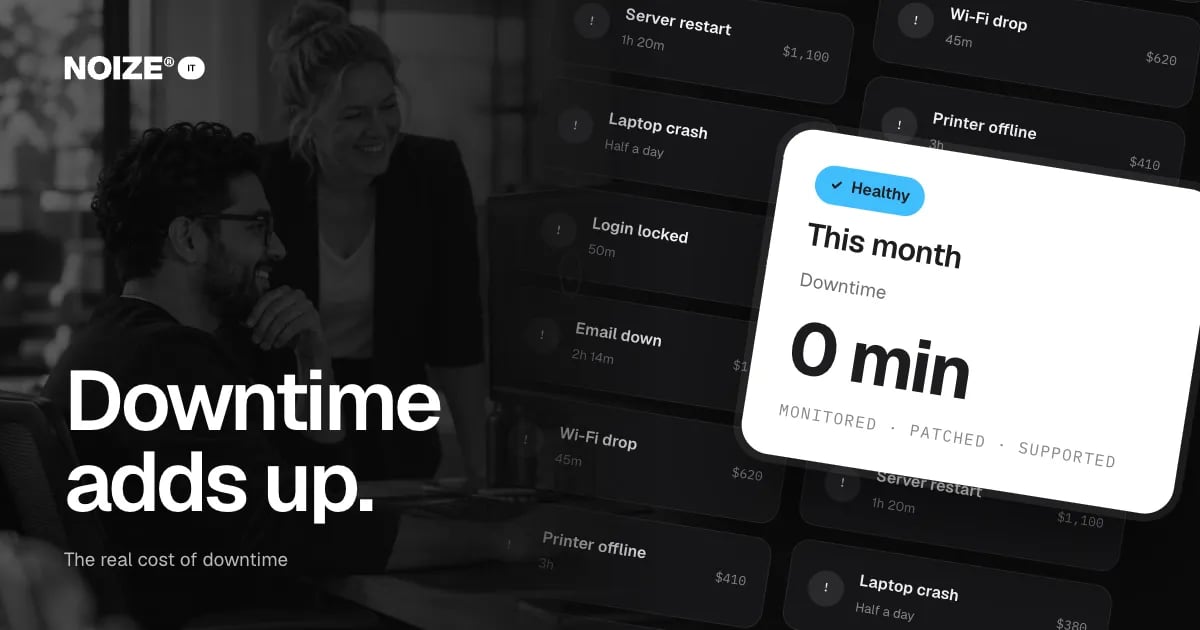
- Keep your people working: the real cost of downtime
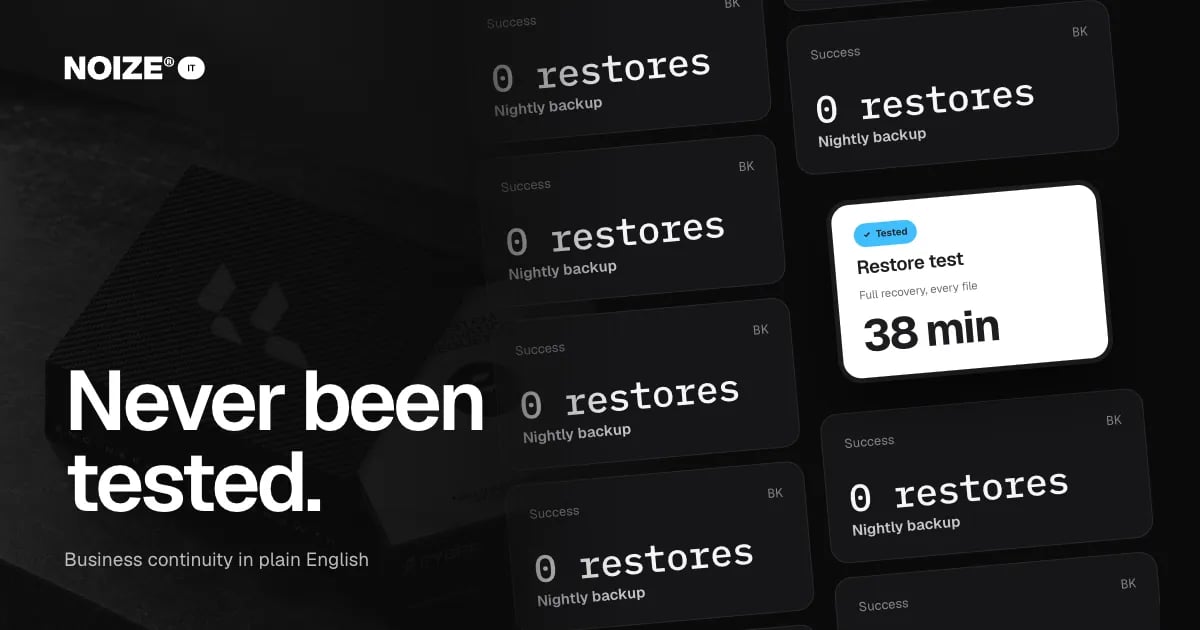
- The backup has never been tested: business continuity in plain English
Common questions
What is an access register?
A secure list of critical business accounts, who has admin access and how to recover them.
Should staff use personal email for business accounts?
No. Always use business email so the business keeps control.
What is a password manager?
A secure tool for storing and sharing passwords, with access controlled by role.
Why should we have two admins?
So one person leaving or being unavailable doesn't lock the business out.
Who should own our social media accounts?
The business, with agencies and staff given access as needed.
How do we recover an account held by a former supplier?
Usually through the platform's ownership verification process. It is much easier with documentation.
How often should access be reviewed?
At least quarterly, and whenever someone joins or leaves.
Can NOIZE set this up for us?
Yes. NOIZE IT builds the register, moves accounts to business ownership and manages access.
Does NOIZE handle all of our IT directly?
Most everyday IT work, yes. Where a job needs specialist expertise or accreditation, we make sure an appropriately qualified professional is involved, agreed with you up front.
What if a former supplier won't hand over an account?
Platform recovery processes can usually restore ownership with proof of business identity. Documentation makes it much faster.
Your first strategy conversation is on us.
Have a chatThe brand for business.